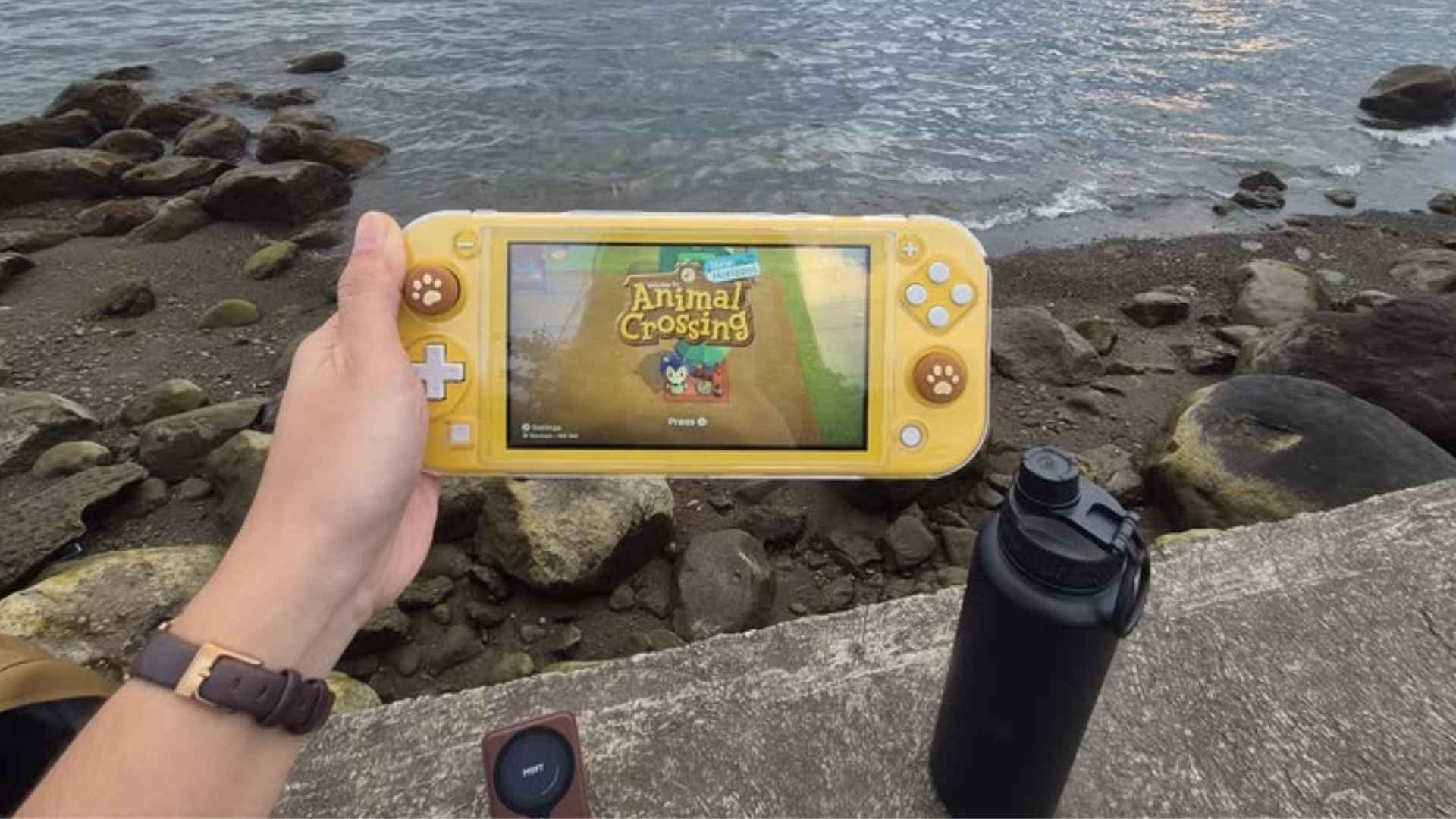
Capturing high-quality video footage from the Nintendo Switch requires a dedicated capture card, as the console itself lacks internal broad recording features. Choosing the right hardware ensures your live streams run smoothly without audio desync or frame drops. Content creators need to consider factors like passthrough latency, maximum resolution support, and software compatibility before making a purchase.
Top Capture Cards for Nintendo Switch Creators
The Elgato HD60 S+ remains a benchmark choice for Nintendo Switch streamers due to its reliable plug-and-play functionality. It allows seamless 1080p recording at 60 frames per second while providing zero-latency passthrough to your gaming monitor. Keeping up with hardware trends via daily gaming news helps creators discover newly released capture devices tailored for hybrid consoles.
For creators seeking a more budget-friendly solution, the AverMedia Live Gamer Mini offers impressive performance in a compact footprint. It handles 1080p60 capture with ease and features hardware encoding to reduce processing load on your computer. Its simple setup process makes it ideal for beginners entering the streaming space.
Key Features to Consider Before Buying
Because the Nintendo Switch caps its docked output at 1080p, you do not necessarily need an expensive 4K capture card. However, investing in a card that supports 4K passthrough can future-proof your setup if you plan to stream from other consoles like the PS5 or Xbox Series X. Low latency is equally vital so you can react in real time without screen lag.
Software compatibility is another critical aspect when evaluating capture hardware for your setup. Most top-tier capture cards integrate effortlessly with popular broadcast tools such as OBS Studio, Streamlabs, and Twitch Studio. Verifying driver stability across Windows and macOS will prevent audio sync issues during live broadcasts.
Portable Options for Streaming on the Go
Mobile content creators often prefer external USB capture cards that do not require external power bricks. Compact USB-C capture dongles provide maximum portability for recording Switch gameplay during travel or at local gaming events. These lightweight devices draw power directly from your laptop, simplifying cable management significantly.
While portable cards offer convenience, make sure they support uncompressed video transfer for maximum visual clarity. Compressed signals can introduce graphical artifacts during fast-paced games like Super Smash Bros. Ultimate. Selecting a well-reviewed portable model guarantees crisp visuals wherever you record.
Optimizing Your Switch Streaming Setup
Hardware is only one part of achieving a professional broadcast quality for your viewers. Configuring your capture software's bitrate and canvas resolution to match the Switch native 1080p output ensures a clean picture without unnecessary scaling blur. Proper color space configuration in OBS will also make vibrant Nintendo titles pop on screen.
Ultimately, selecting the best capture card depends on your personal streaming goals and available budget. Prioritizing low passthrough delay and reliable software support ensures a hassle-free broadcasting experience. With the right hardware connected, sharing your favorite Switch adventures becomes effortless.